
Requires the free Dragon Activity Log.
Licence
Enter your licence key on the plugin's settings screen (keys are in your dragoncore.ltd dashboard). Keys are stored encrypted; a licence covers the number of sites you bought it for (1, 5 or unlimited), and you can deactivate a site from the same screen to free its place for another. Updates are delivered automatically to licensed sites. If the licence lapses, the plugin keeps working with every Pro feature on each activated site; what stops is new versions and support, and renewing restores both on the same key. Renewal reminders arrive by email about two weeks before the period ends.
Multisite: the licence is activated per site. Each subdomain or mapped domain uses a seat; subdirectory sites share one.
Features
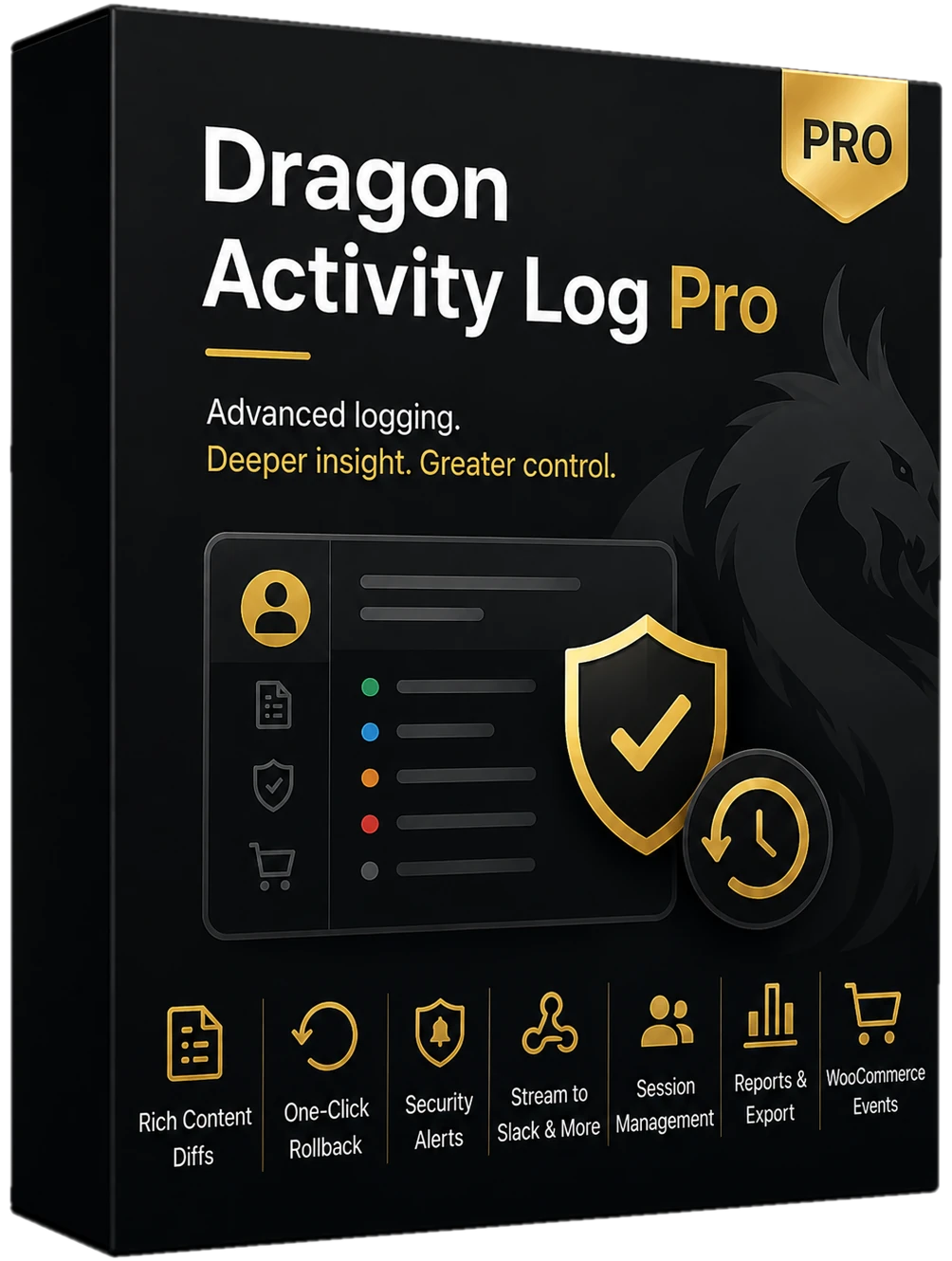
- Rich diffs - before/after view of post, media and setting changes.
- One-click rollback - undo a setting change, restore a role change, revert a post edit (title, content and excerpt; custom fields and taxonomies are not reverted), or restore a trashed post. Permanently deleted posts cannot be restored.
- Security alerts - logins from a new IP address, failed-login bursts and escalations to administrator, by email, Slack or a signed webhook. The webhook signing secret is shown on the settings screen so your receiver can verify each request.
- Sessions - see who's logged in and end sessions.
- Reports - CSV and JSON export of the whole log, plus the integrity report. The CSV has readable column headings in your site's language, shows severity and role names, and gives dates in UTC; the JSON keeps the raw field names and stored values.
- WooCommerce - order created, order status changes, product stock quantity changes (old and new amount, from product edits, orders and the REST API, with any stock status change in the same entry), stock status changes and coupon creation in the log (respecting the free plugin's excluded roles).
Data
Pro stores rollback snapshots and the IP addresses each user has logged in from (for new-IP alerts) alongside the free plugin's log; sessions are read from WordPress itself. Clearing the log also deletes the snapshots. Uninstall keeps data unless you set dragonactivitylogpro_delete_data_on_uninstall.