
Requires the free Dragon Login Security.
Licence
Enter your licence key on the plugin's settings screen (keys are in your dragoncore.ltd dashboard). Keys are stored encrypted; a licence covers the number of sites you bought it for (1, 5 or unlimited), and you can deactivate a site from the same screen to free its place for another. Updates are delivered automatically to licensed sites. If the licence lapses, the plugin keeps working with every Pro feature on each activated site; what stops is new versions and support, and renewing restores both on the same key. If the stored key can no longer be read (the site's security keys were changed, or the database was restored elsewhere), enforcement, trusted devices and risk checks keep running and a notice asks you to enter the key again; updates and reports resume once you do. Renewal reminders arrive by email about two weeks before the period ends.
Multisite: the licence is activated per site. Each subdomain or mapped domain uses a seat; subdirectory sites share one.
Features
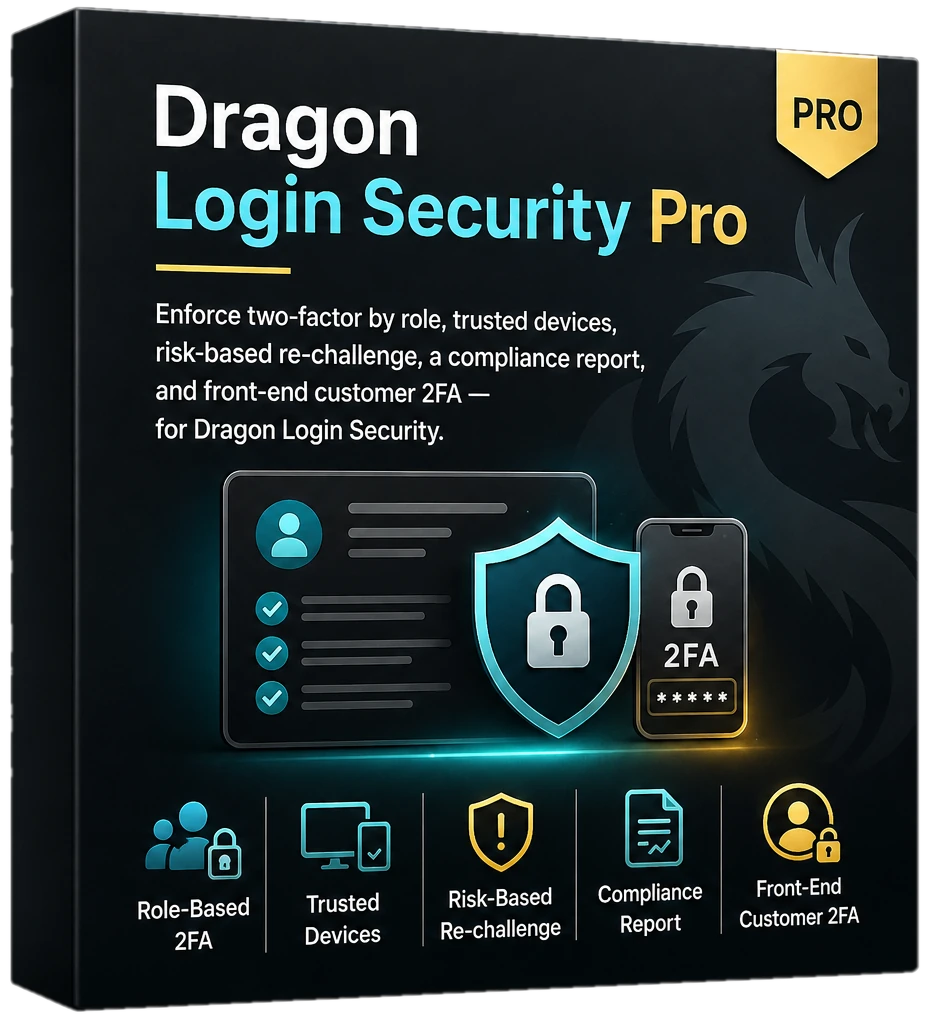
- Enforce 2FA by role - grace periods or block-until-enrolled. The grace period starts at the user's first sign-in, or their first REST API request for accounts that only use application passwords. Once it ends, the user can do nothing but set up two-factor: wp-admin, the rest of the site, the REST API, XML-RPC and application passwords stay blocked until they do, and the account keeps no capability but reading, so a store checkout, a form submission or, for an administrator, any change to other accounts is refused as well. WooCommerce customers are sent to the Login Security tab of My Account; staff go to their profile.
- Trusted devices - skip the second factor on remembered browsers for a period you choose. Each user's profile lists their remembered devices with a button to forget one or all of them, and changing the password (on the profile or account screen) or resetting it forgets every device. Expired devices are cleared when a new one is remembered. The device cookie is only sent to this site, never on requests from other sites.
- Risk-based re-challenge - a new IP/device triggers a fresh challenge and an alert. Alerts about one user go out at most once a day, so someone signing in from a changing mobile address does not flood the inbox; every new-device sign-in is still challenged and recorded.
- Compliance report - who's enrolled, who isn't, exportable CSV. The settings screen shows the first 200 users; the CSV always lists everyone.
- Alerts - new-device alerts by email name the site in the subject and link to the user's profile; webhook payloads carry the site address and name. Webhook addresses must be HTTPS and resolve to a public address; a private, loopback or link-local host is refused.
- WooCommerce customer 2FA - protect customer accounts, not just staff.
Uninstall
Deleting the plugin keeps all its data by default, so a reinstall picks up where you left off. To remove everything on uninstall, opt in first (on a network, on each site whose data should go):
wp option update dlsp_delete_data_on_uninstall 1